
Elementor allows you three options to adjust your slider height: either PX, VH, or EM
Using PX:
Pixels are a sure way to make sure all your slides are a reliable size, especially with image backgrounds. It’s safest to set your slider height to the same height as your images at their largest size for desktop view (that would be 1960px on majority of screens.)
Making the slider full screen height:
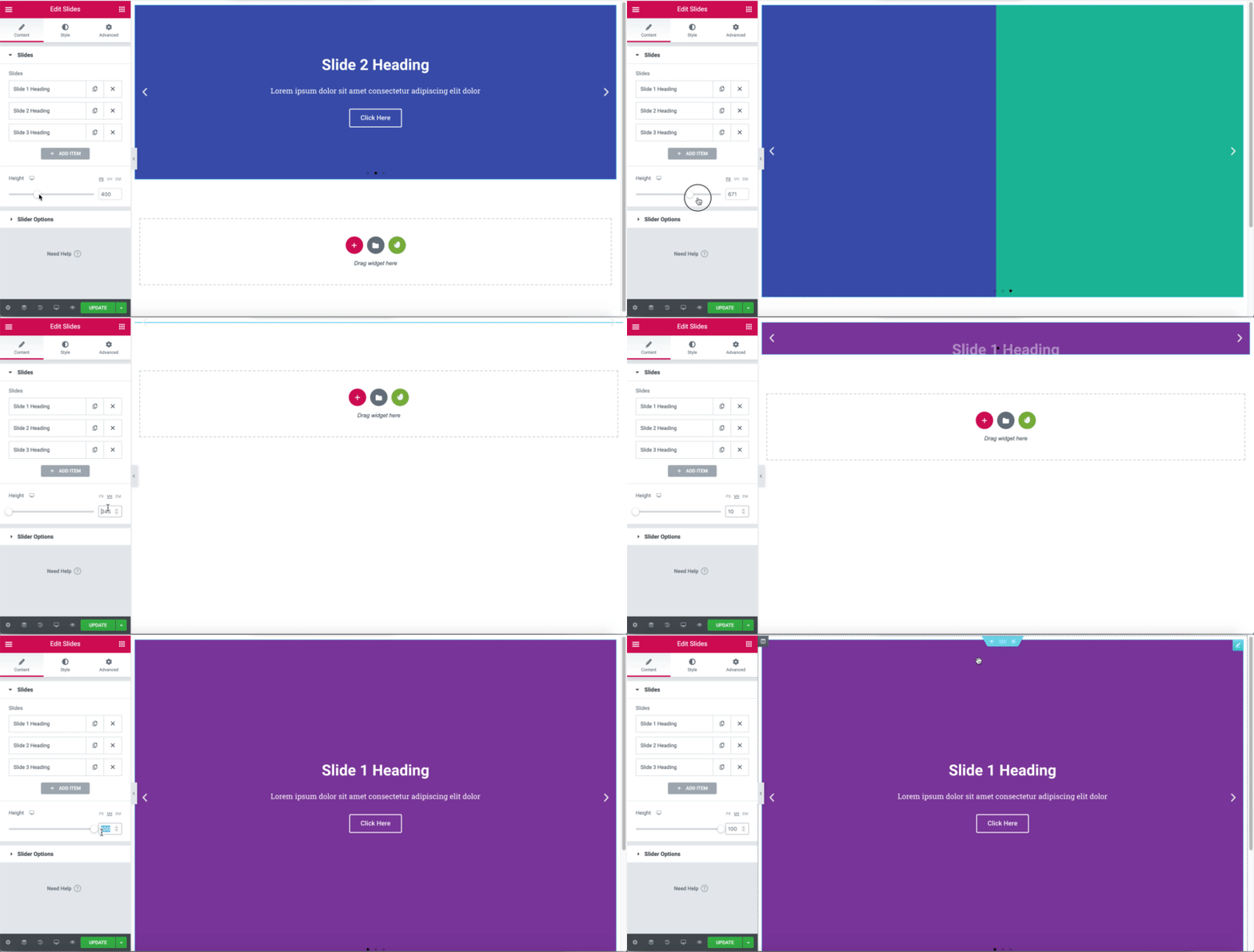
Switch to VH, and type in 100, this will match your screen height for your slides!
Slider height in action:
Here’s a video of us adjusting the slider height life in action :
Adjusting for mobile viewports:
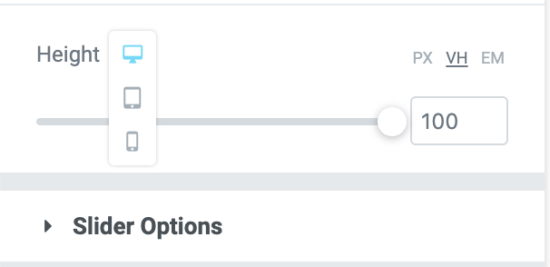
It’s important to remember, that just because your slider looks great on desktop, that you need to forget about mobile.
Elementor has you covered, click on the little screen icon to adjust the height for mobile viewports:
The Elementor Slider and Elementor Carousel widgets are only available with Elementor Pro.