
- Make sure you are on the latest version of Social Commerce
- Go to in your WordPress admin menu and ensure all checks are green OR if the tab is added already, remove, ensure checks are green, and re-add it.
- Ensure WooCommerce is at the latest version
As of Social Commerce 1.5, visitors will be met with a modal dialog prompting them to click to continue checkout in a new tab. This is required both by Facebook and most gateways such as Paypel, which do not allow sensitive data such as transactions to occur inside an iframe or page tab.
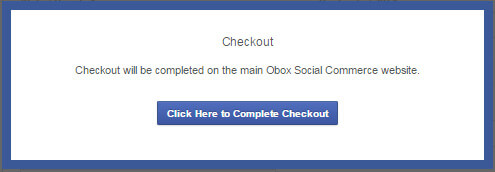
Clicking this link should direct the user to the payment page as long as there are no settings in the browser that prevent new browser tabs from being created.
Ensure facebook.com is an exception in any popup blocking setting in the browser, or that popup blocking is turned off. You may need to refer your customers to the following links if they contact you with questions.
See Social Commerce Intro & Requirements (Read This First!) for more details on dependencies